
Creators no longer need to start every design project with a blank canvas. In 2026, AI design tools can generate visual concepts, edit images, build layouts, create prototypes, produce vectors and turn rough ideas into editable designs. The biggest benefit is not that AI can make a picture in seconds. It is that creators can now spend less time on repetitive production work and more time deciding what the final work should communicate.
That shift is changing how designers, marketers, social media managers, content creators and small business owners work. Figma’s 2026 research says 72% of designers now use generative AI in their workflows, while 91% of those users say it improves the quality of their output.
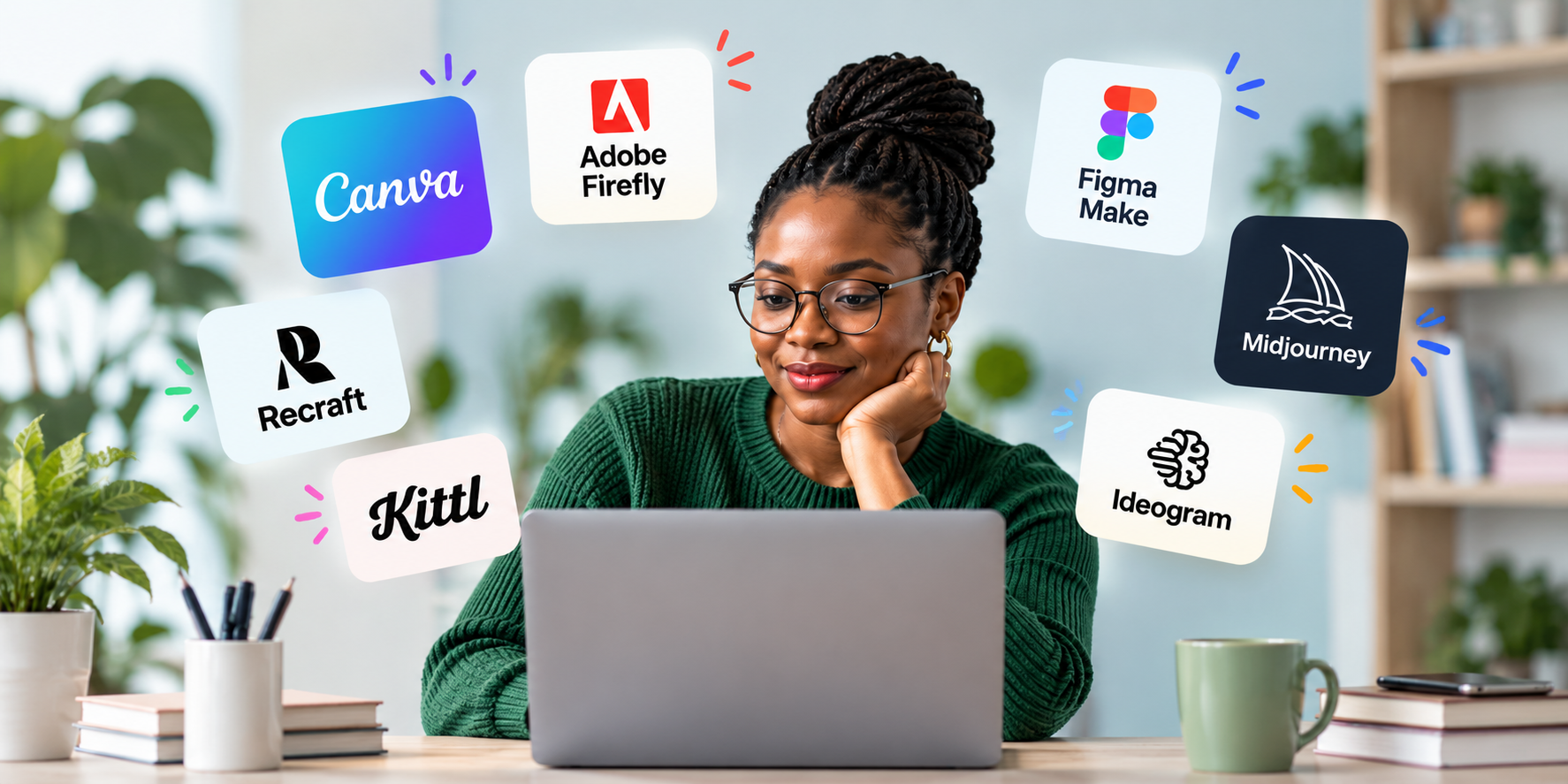
The tools are also becoming more specialised. Canva is pushing AI deeper into everyday content production. Adobe Firefly is built around generative creation and editing within Adobe’s ecosystem. Figma is using AI to connect design, prototyping and code. Other platforms are focusing on areas such as typography, vector graphics and visual exploration.
Here are seven AI design tools worth using well in 2026 and what each one is particularly useful for.
1. Canva AI is built for creators who need to produce more content
Canva AI is one of the easiest places for creators to start because it combines AI generation with the editing tools they already use.
Canva’s latest AI push goes beyond generating a static image. Canva AI 2.0 can create layered, editable designs from prompts, allowing users to change individual elements instead of starting again whenever something needs to be adjusted. The company says its system is designed to understand design structure, hierarchy and brand context.
That matters for creators who produce content repeatedly. A social media manager, for example, may need several versions of a campaign for Instagram, LinkedIn, YouTube and other platforms. A designer can spend a large part of that process resizing layouts, replacing images and adjusting text. Canva’s AI tools are designed to reduce that repetitive work.
Canva also has tools for AI image generation, image editing, animation, presentations and content production. Its Magic Layers feature can turn flat images into editable designs, separating elements such as text and objects so creators can refine them inside Canva.
Best for: Social media content, marketing graphics, presentations, quick campaigns and creators who need to produce visual content at volume.
2. Adobe Firefly gives professional creators more control
Adobe Firefly is aimed at creators who want generative AI inside a more established professional creative workflow.
Firefly can generate and edit images using text prompts, while its integration with Adobe’s wider creative ecosystem makes it useful for people who already work with Photoshop, Illustrator and Adobe Express. Figma’s 2026 review of AI design tools also highlights Firefly’s text-to-image generation, generative fill and typography capabilities.
The difference is workflow. A creator does not necessarily need to generate an image and then move to another application to finish it. Firefly is designed to sit within Adobe’s wider creative environment, making it easier to move between generation, editing and production.
That can save time for designers working on more demanding commercial projects where an AI-generated starting point still needs significant refinement.
Best for: Professional designers, marketing teams, Adobe users and creators who need AI generation alongside detailed image editing.
3. Figma Make turns ideas into working prototypes
Figma Make is different from the other tools on this list because its biggest value is not simply generating images.
Figma Make lets users describe what they want to build and generate functional prototypes, web experiences and interactive interfaces from those instructions. Users can then edit the result visually or work with the underlying code.
This can reduce one of the slowest parts of product design, which is moving from an idea to something people can actually test.
A designer working on a mobile banking app, for example, can describe an onboarding flow and generate a working prototype rather than creating every screen manually before anyone can interact with it.
Figma also lets users attach existing designs, components, images and other context to their prompts. That gives the AI more information about the product instead of asking it to generate a generic interface from scratch.
The result is particularly useful for product designers because they can move between ideation, prototyping and refinement in the same environment.
Best for: UI/UX designers, product teams, app prototypes, websites and interactive experiences.
4. Midjourney remains useful when visual direction matters most
Midjourney remains one of the better-known AI image platforms, particularly for creators who need visual exploration.
Its value is not necessarily producing the final design. It is helping creators explore ideas quickly.
A creative director working on a campaign can generate different visual directions before committing to a production route. An illustrator can explore characters and environments. A content creator can develop a visual mood before moving the chosen concept into another design application.
This makes Midjourney useful during the early stages of creative work.
The distinction matters because AI image generation and graphic design are not the same thing. A generated image may look impressive but still need typography, layout, brand treatment, accessibility checks and other production work before it becomes a finished asset.
Best for: Concept art, moodboards, creative direction, visual experimentation and campaign inspiration.
5. Ideogram is particularly useful when text needs to be part of the image
Ideogram has built a strong position around image generation where typography and design matter.
That makes it useful for posters, advertising concepts, social graphics, headlines and other visuals where words need to appear inside the generated image.
In June 2026, Ideogram released Ideogram 4.0 as an open-weight text-to-image model with a commercial licence. The company also described the model as part of a broader generation stack designed around production design and layered workflows.
For creators, this distinction is useful because text inside AI-generated images has historically been one of the more frustrating parts of image generation.
Instead of creating an image first and manually rebuilding every piece of text afterward, creators can use a tool designed to handle typography as part of the visual generation process.
Best for: Posters, social graphics, advertising concepts, typography-heavy designs and branded visual experiments.
6. Recraft is useful when creators need vectors instead of flat images
Recraft is worth considering when the final asset needs to remain flexible and scalable.
Vector graphics are particularly important for logos, icons, illustrations, packaging and other assets that may need to work at different sizes. A raster image that looks good on a social post may not be suitable for a billboard, product package or large-format print.
Recraft has focused heavily on vector generation and brand-oriented design workflows. Current 2026 comparisons identify it as a specialist for vector graphics, reusable styles and brand colours rather than a general-purpose replacement for every design tool.
That specialisation is its advantage. A creator can use Recraft when the requirement is not simply “make me a nice image” but “help me create a graphic that I can continue working with across different formats.”
Best for: Vector graphics, icons, illustrations, logos, brand assets and scalable design work.
7. Kittl helps creators move quickly from ideas to finished visual products
Kittl takes a different approach by combining AI generation with a design environment focused heavily on typography, templates and finished visual products.
It is particularly useful for creators working on posters, merchandise, social graphics, print designs and branded visuals.
That makes it relevant to a growing group of creators who do not simply publish content online. Many also sell digital products, clothing, merchandise, templates and other creative products.
Kittl’s AI features can help generate design concepts while its broader editing environment gives creators more control over the final layout.
Recent 2026 reviews continue to position Kittl as a useful specialist for typography, merchandise and print-oriented design rather than a universal replacement for tools such as Figma or Photoshop.
Best for: Typography, merchandise, posters, print designs, social graphics and creator businesses.
The best AI design tool depends on the work
The biggest mistake creators can make is looking for one AI tool that does everything.
The seven tools above solve different problems.
Canva is particularly useful when the priority is producing a large amount of branded content quickly. Firefly makes more sense for creators already working inside Adobe’s ecosystem. Figma Make is built around product design and interactive prototypes. Midjourney is strongest when visual exploration is the priority. Ideogram is useful when typography needs to sit inside generated visuals. Recraft is a stronger option for vector-focused work, while Kittl is well suited to typography, print and merchandise.
That means the right question is not simply which AI design tool is the best.
The better question is which part of the creative process is taking the most time.
If resizing dozens of social graphics is slowing you down, a tool such as Canva may solve the problem. If creating UI prototypes is the bottleneck, Figma Make is more relevant. If finding the right visual direction is taking hours, Midjourney can help. If you keep rebuilding text-heavy promotional graphics, Ideogram may be worth testing.
AI becomes more useful when it is attached to a specific bottleneck.
AI can save time, but creators still need to direct the work
The growing number of AI design tools does not remove the need for creative judgement.
A generated image can be technically impressive and still communicate the wrong idea. A beautifully designed social post can still have poor hierarchy. An AI-generated logo can look good on screen and become difficult to reproduce across different formats. A prototype can work technically while still producing a poor user experience.
The creator remains responsible for deciding what should be made and whether the result is actually good.
That is why the strongest use of AI in design is not necessarily full automation. It is reducing the repetitive work that gets in the way of creative decisions.
Figma’s 2026 research reflects this shift. Its findings show that AI use among designers is rising, but the company’s own guidance still frames AI as something that works alongside design judgement rather than replacing it.
The practical advantage is simple. Instead of spending an hour producing the first version of something that could have taken ten minutes with AI assistance, creators can spend more of that hour refining the idea, checking the details and making the final work feel intentional.
That is where these tools are becoming genuinely useful in 2026.