

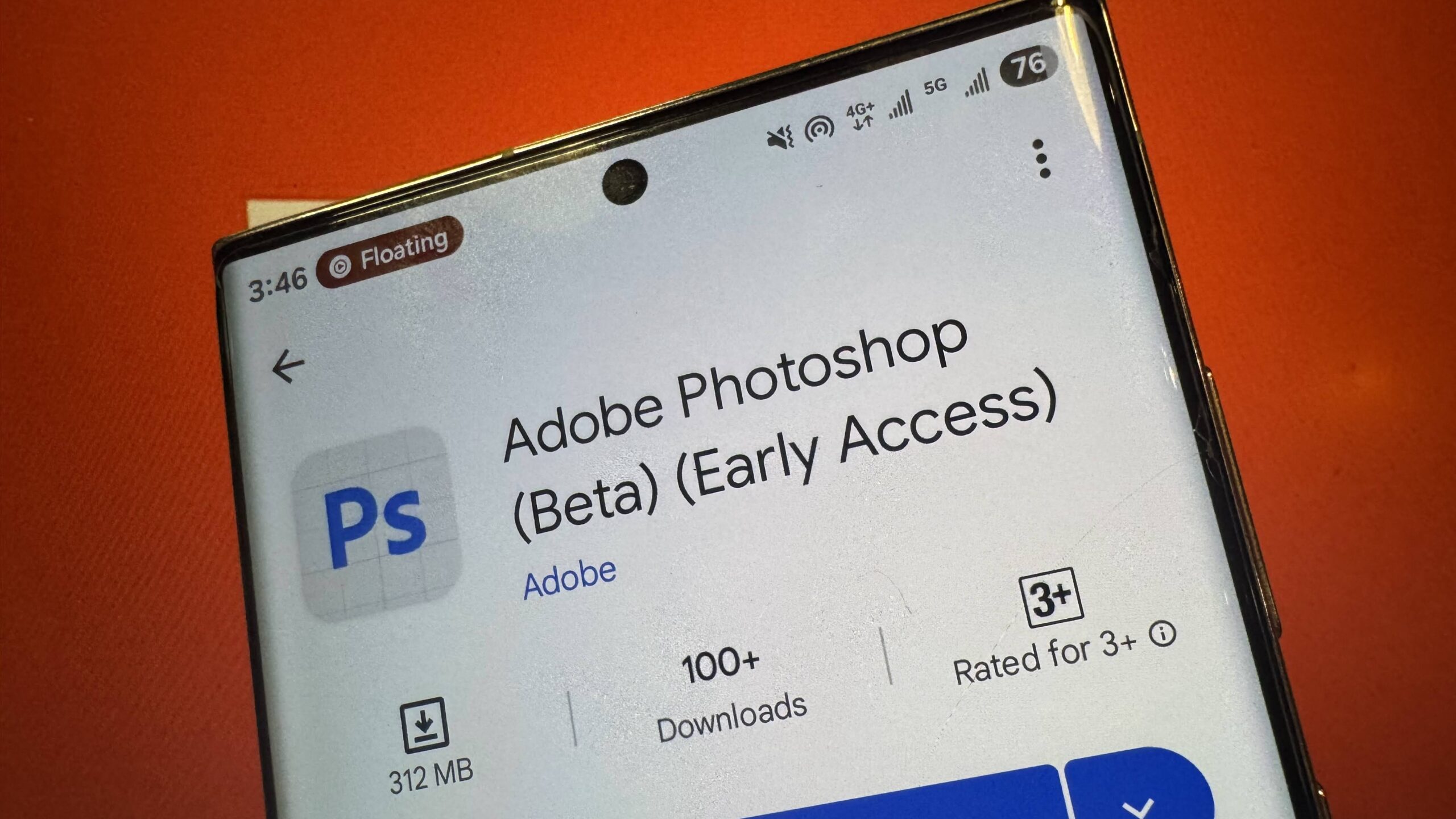
Adobe has just released Photoshop for Android phones. This is big news for Android users who have been waiting for years to get real Photoshop on their devices.
On June 3, 2025, Adobe launched Photoshop for Android as a free beta app. You can download it now from the Google Play Store. The app brings the famous photo editing tools from desktop computers to your phone.
Key Features
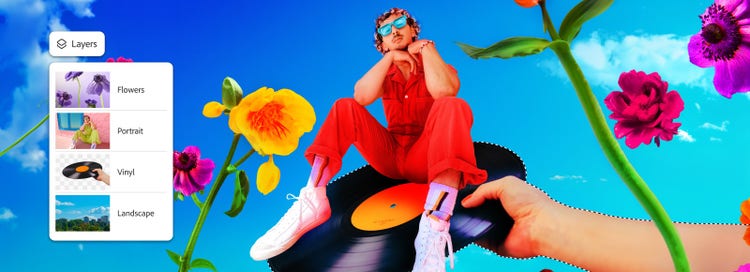
The Android Photoshop app includes many powerful tools:
- Layers and Masking: Work with multiple image layers just like on desktop
- Generative Fill: Use AI to add or remove objects from photos
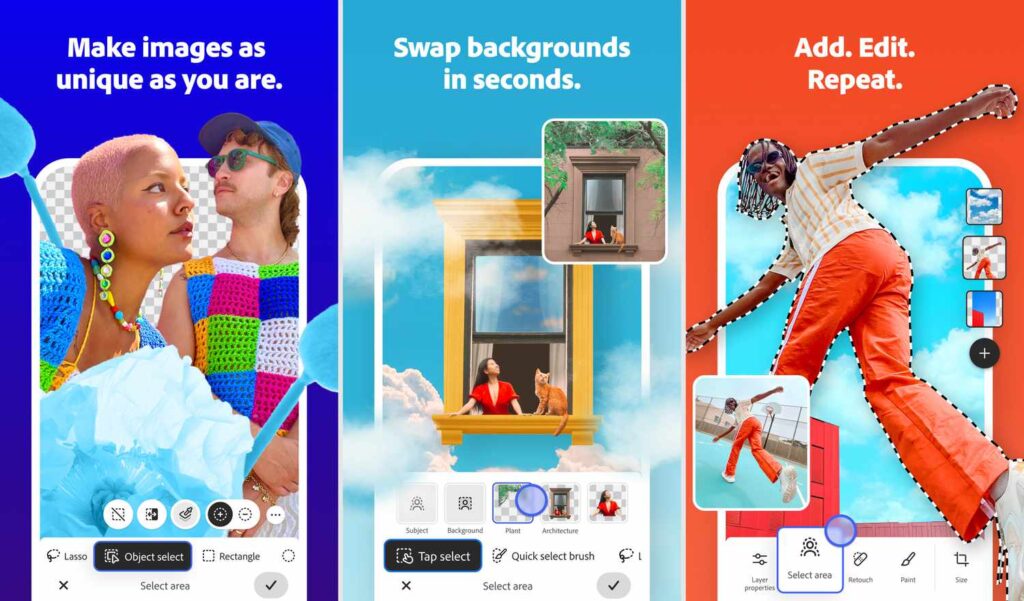
- Tap Select: Quickly select parts of images with a simple tap
- Spot Healing Brush: Remove unwanted spots and distractions
- Object Select and Magic Wand: Make precise selections easily
- Clone Stamp: Copy parts of images to other areas
- Free Adobe Stock: Access thousands of free stock photos
- Blend Modes: Mix images with different effects
How to Get It
The app works on Android phones running Android 11 or newer. Your phone needs at least 6GB of RAM, but Adobe recommends 8GB or more for the best experience.
Adobe first released Photoshop for iPhone in February 2025. Android users had to wait four months longer. Now both iPhone and Android users can edit photos professionally on their phones.
What’s Different from Desktop
The mobile app is designed for touch screens and smaller displays. It focuses on the most important editing tools rather than every desktop feature. The interface is simpler and more user-friendly for mobile creators.
Free for Now
During the beta period, all features are free. Later, Adobe will charge $7.99 per month for premium features. People who already pay for Photoshop desktop can use the mobile app at no extra cost.
Who Should Use It
This app is perfect for:
- Content creators who work on their phones
- Social media influencers
- Students learning photo editing
- Professional photographers who need quick edits on the go
- Anyone who wants powerful editing tools on their phone
The Future
Adobe plans to add more features to the Android app soon. They want feedback from users to improve the experience. This is just the beginning of mobile Photoshop on Android.