

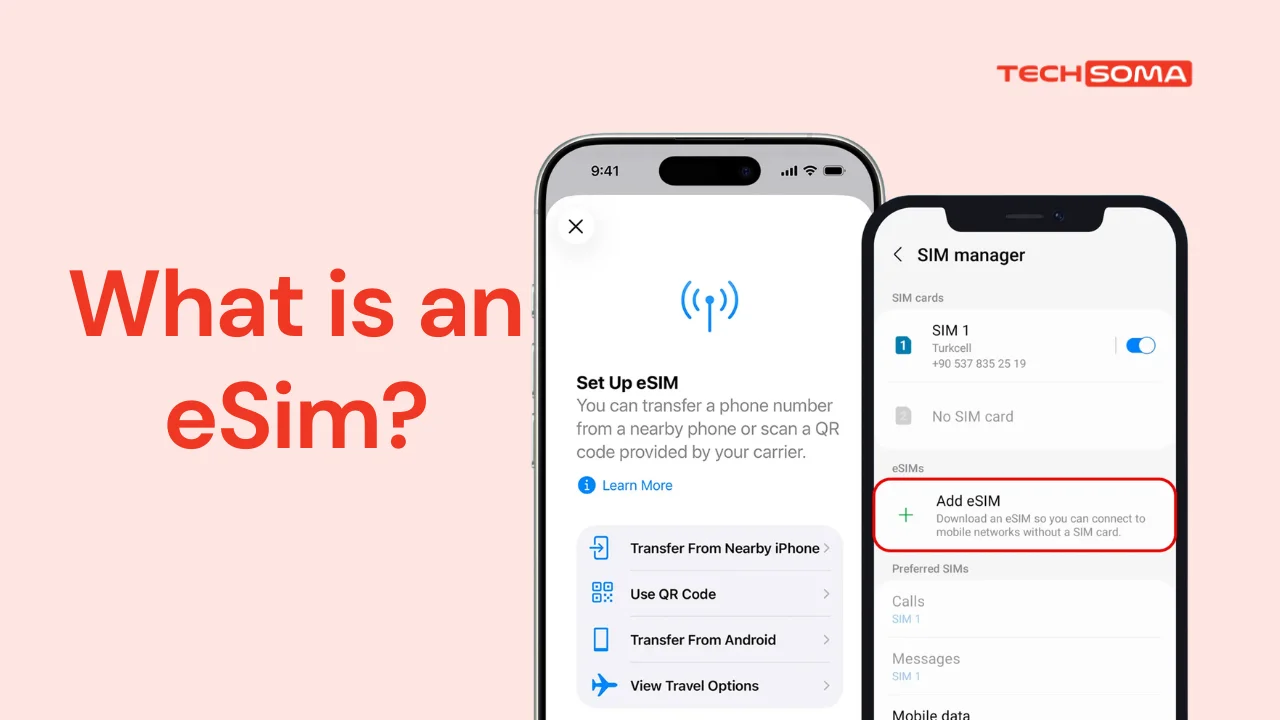
Scroll deep enough into your phone settings and you’ll find an option to add an eSIM. Most Nigerians have seen it, ignored it, and moved on. That’s a reasonable response, because nobody has explained what it actually does.
What an eSIM Is
An eSIM is a SIM built into your phone’s hardware instead of slotted in as a piece of plastic. It does the same job as a physical sim entirely: it identifies your line to the network so you can call, text and use data. The difference is that instead of collecting a card from an agent and pushing it into a tray, the network sends you a profile that your phone downloads.
There’s no card to lose, no tray to pry open with an earring, and no waiting for a replacement when it goes missing.
Which Networks Offer It
All four. MTN launched eSIM in Nigeria in July 2020 and 9mobile followed a month later. Airtel came after, and Glo joined in March 2025, completing the set.
Activation is free across the networks. You pay for airtime and data as normal, with no extra charge for the eSIM profile itself.
Whether Your Phone Supports It
Dial *#06#. If an EID number appears alongside your IMEI, your phone has eSIM hardware. No EID means no support, and no update will add it.
As a rough guide, most flagship phones released from 2020 onward support it, including iPhones from the XS and XR generation and recent Samsung and Pixel models. Many mid-range and budget Android phones still don’t, which is a real limitation in a market where most people aren’t buying flagships.
How to Actually Get One
Every network requires an in-person visit. There’s no fully online route.
You go to an official service centre with your phone and a valid ID, plus your NIN, since every Nigerian SIM must be registered against a NIN by law. The agent verifies your details and generates a QR code.
On an iPhone, you go to Settings, then Cellular, then Add eSIM, and scan the code. On Android it’s Settings, then Network and Internet, then SIMs, then Add eSIM. You’ll need a data or Wi-Fi connection during setup, because the phone is downloading the profile.
You can activate a new line or convert an existing physical SIM. Airtel has periodically offered free data bundles for migrating, so you can ask the agent when you’re ready to switch.
So Is It Worth Switching?
Depends what you want from it.
The advantages. You can run two lines on one phone without needing two physical slots, which matters on devices that only have one. Losing your phone no longer means losing the physical SIM too. And if you travel, you can add a local data plan without removing your Nigerian line.
The drawbacks. Moving your line to a new phone means another trip to the service centre, where a physical SIM you just move yourself. If your phone dies and you need to put your line in a spare handset urgently, a plastic SIM does that in thirty seconds. An eSIM does not.
Where it genuinely shines is the second line. Right now, most new phones come with one sim tray, so you get to keep your main number on the physical SIM and putting a second network on the eSIM which gives you a backup when one network fails, without carrying two phones.
Where it doesn’t matter is if you’ve got one line, one phone, and no plans to change either. Then the plastic SIM already in your phone is doing the job fine, and switching earns you nothing but a trip to the service centre.
My honest read: it’s not urgent. I have survived this long without it myself. It would be genuinely useful for a second line, and if you live a busier life than I do. But maybe get it next time you’re near a service centre anyway rather than making a special journey.